Your Entertainment Starts Here

Xtreme HD IPTV More Ways to Enjoy
What You Love

Xtreme HD IPTV offers IPTV subscription plans for watching live TV, sports, movies and series through compatible players. Explore our plans and contact our team for device compatibility, setup assistance and subscription questions.

Check available content and device compatibility before ordering.

Discover Your Viewing Options

Explore Entertainment with Xtreme HD IPTV

From live broadcasts to your next movie night, explore the content and viewing features available with Xtreme HD IPTV.

Live TV & Sports

Follow the programmes and events that matter to you. Browse available live TV channels across sports, news, entertainment, and international viewing.

Explore Live Channels

Movies & Series

Make room for a new favourite. Explore the available on-demand library and choose a movie or series to match your mood, whenever you are ready to watch.

Discover On-Demand Content

TV Programme Guide

Plan your viewing with programme listings on supported channels and apps. Check what is on now and what is coming next where guide information is available.

Plan Your Next Watch

Your Exclusive Offer

Save 30% on All Xtreme HD IPTV Plans

Choose your preferred package and click Order Now. Fill in your details and enter code XTREME30 at checkout to receive 30% off your plan.

Choose Your Plan

Find Your Plan

Choose Your Xtreme HD IPTV Plan

Select your device count, compare subscription durations, and choose the Xtreme HD IPTV package that fits your viewing needs.

Showing subscription plans for 1 device.

Find Your Device Setup

Set Up Xtreme HD IPTV
for Your Favourite Screen

Enjoy Xtreme HD IPTV on your favourite screen, from Smart TVs and streaming devices to phones, tablets and computers. Choose your device below and let our team help you find a compatible player and complete your setup.

Xtreme HD IPTV for all your favourite devices

Your TV, phone or computer — your choice

Get setup help and start watching with confidence
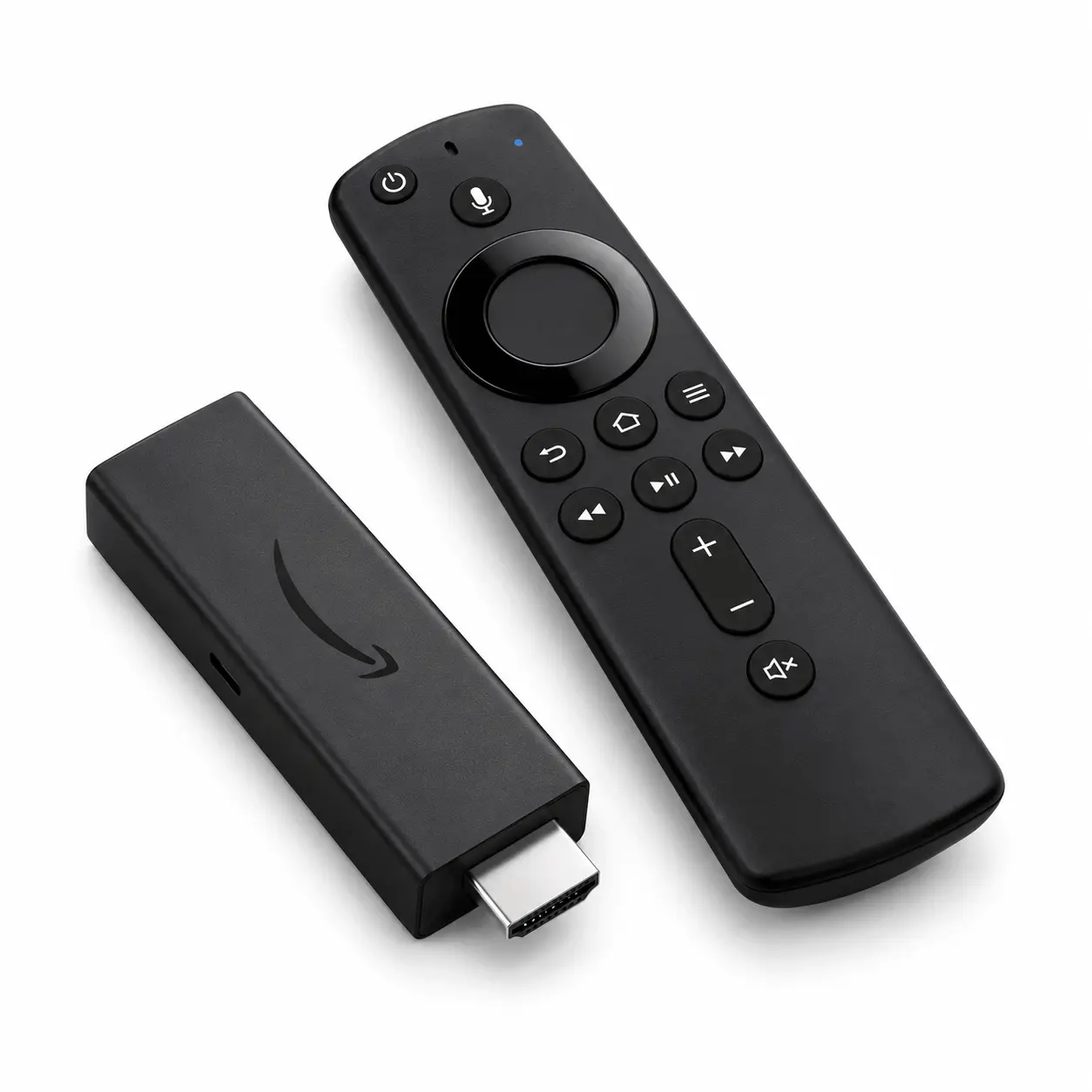
Fire TV Stick device
Fire TV Stick

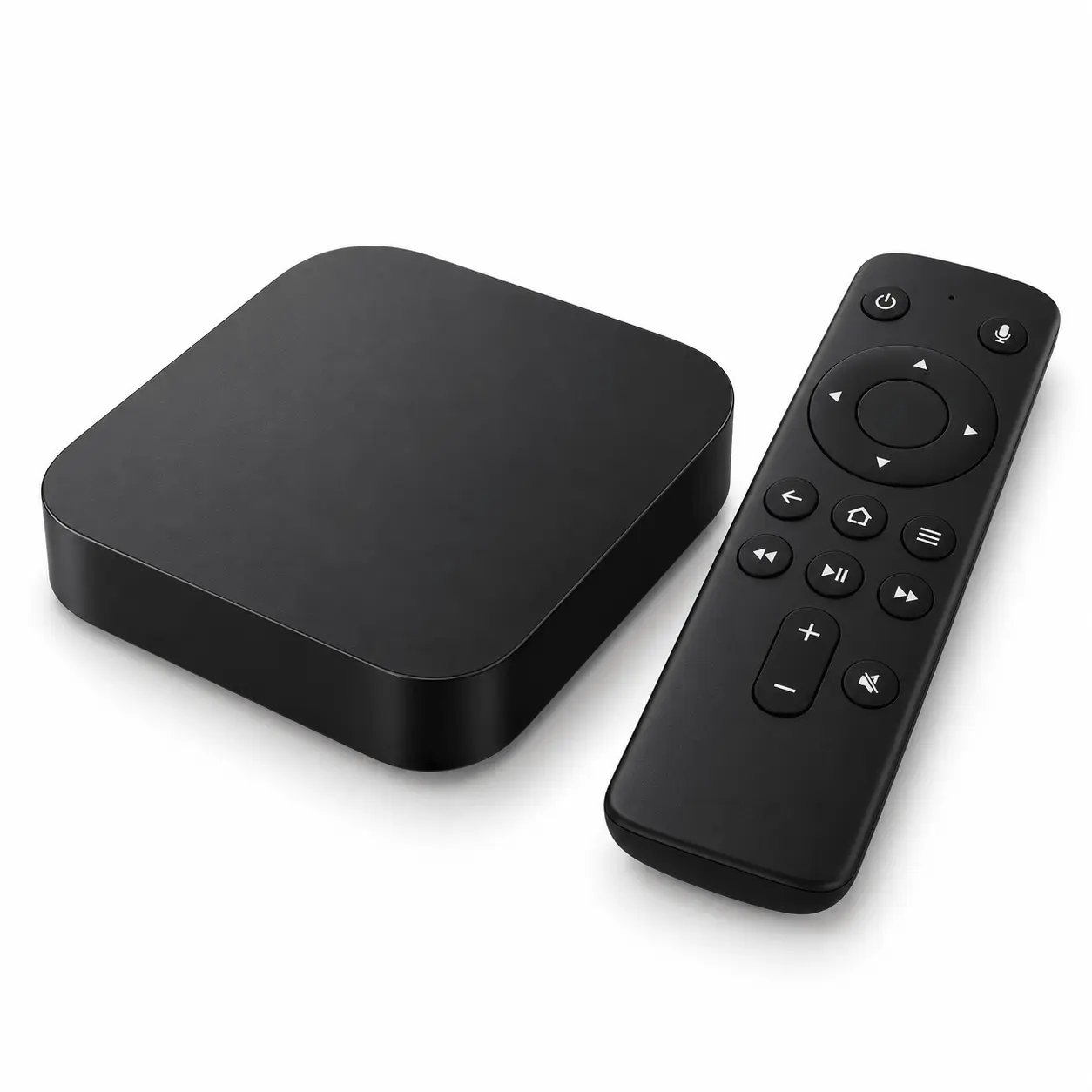
Android TV streaming box

Android TV

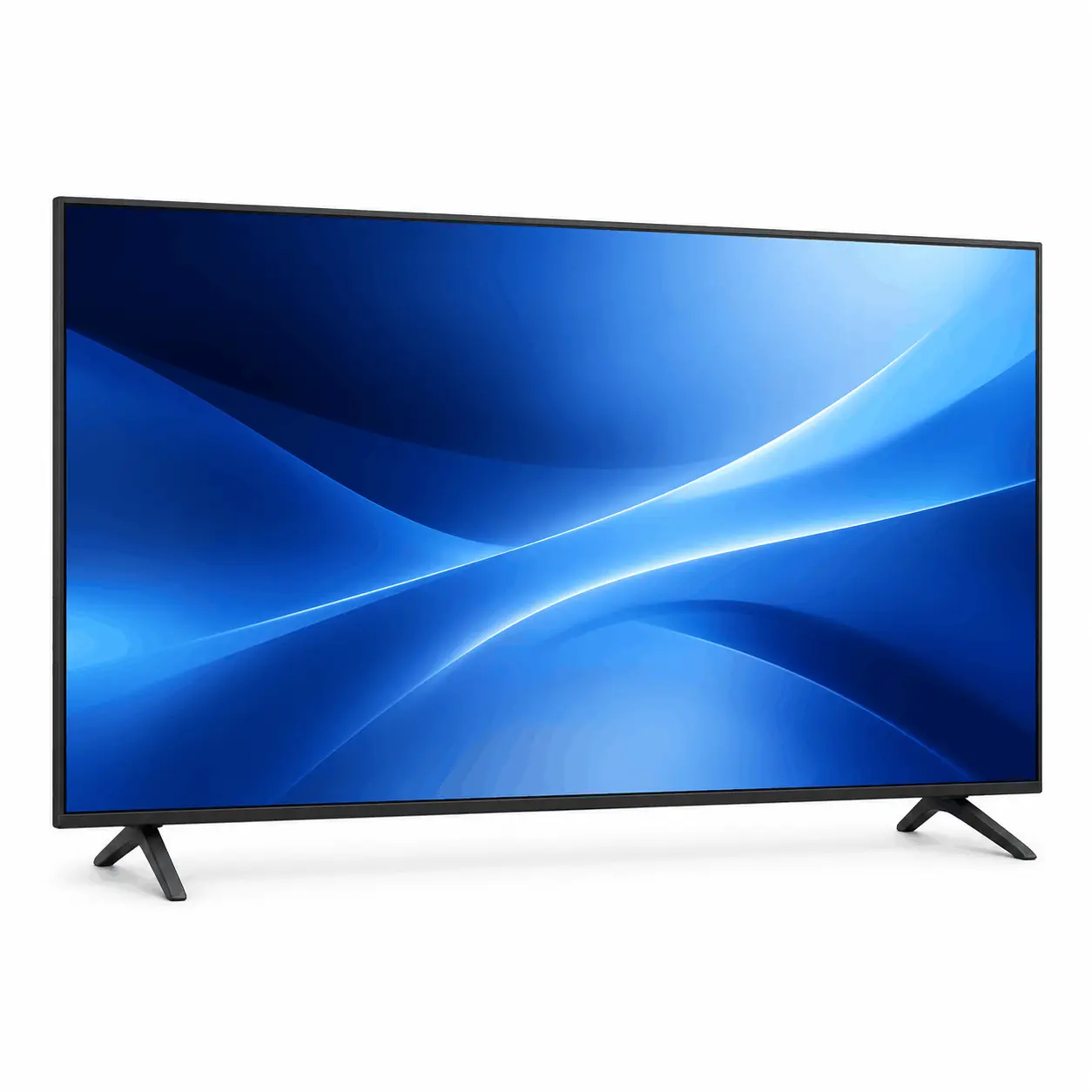
Smart television

Smart TV

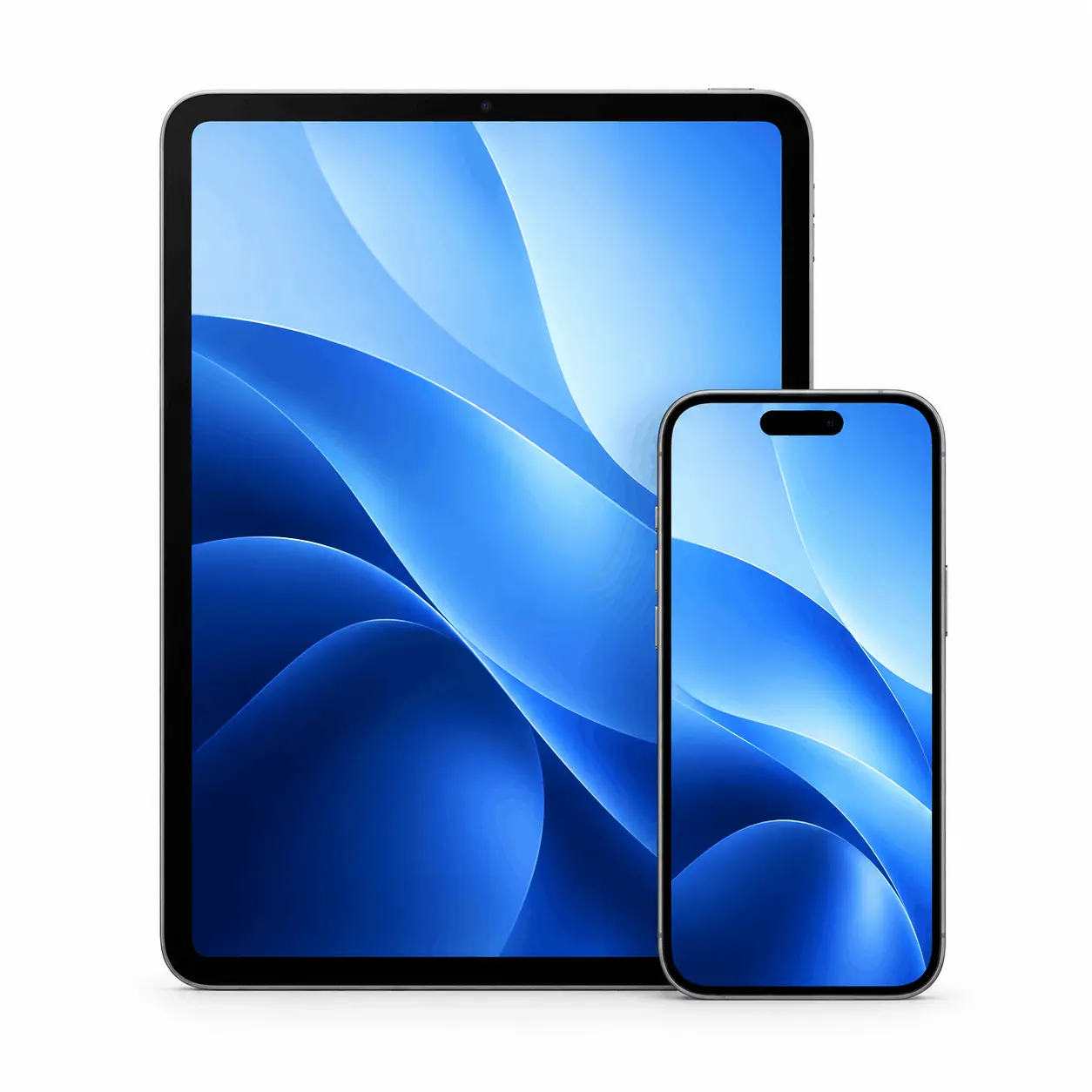
iPhone and iPad devices

iPhone & iPad

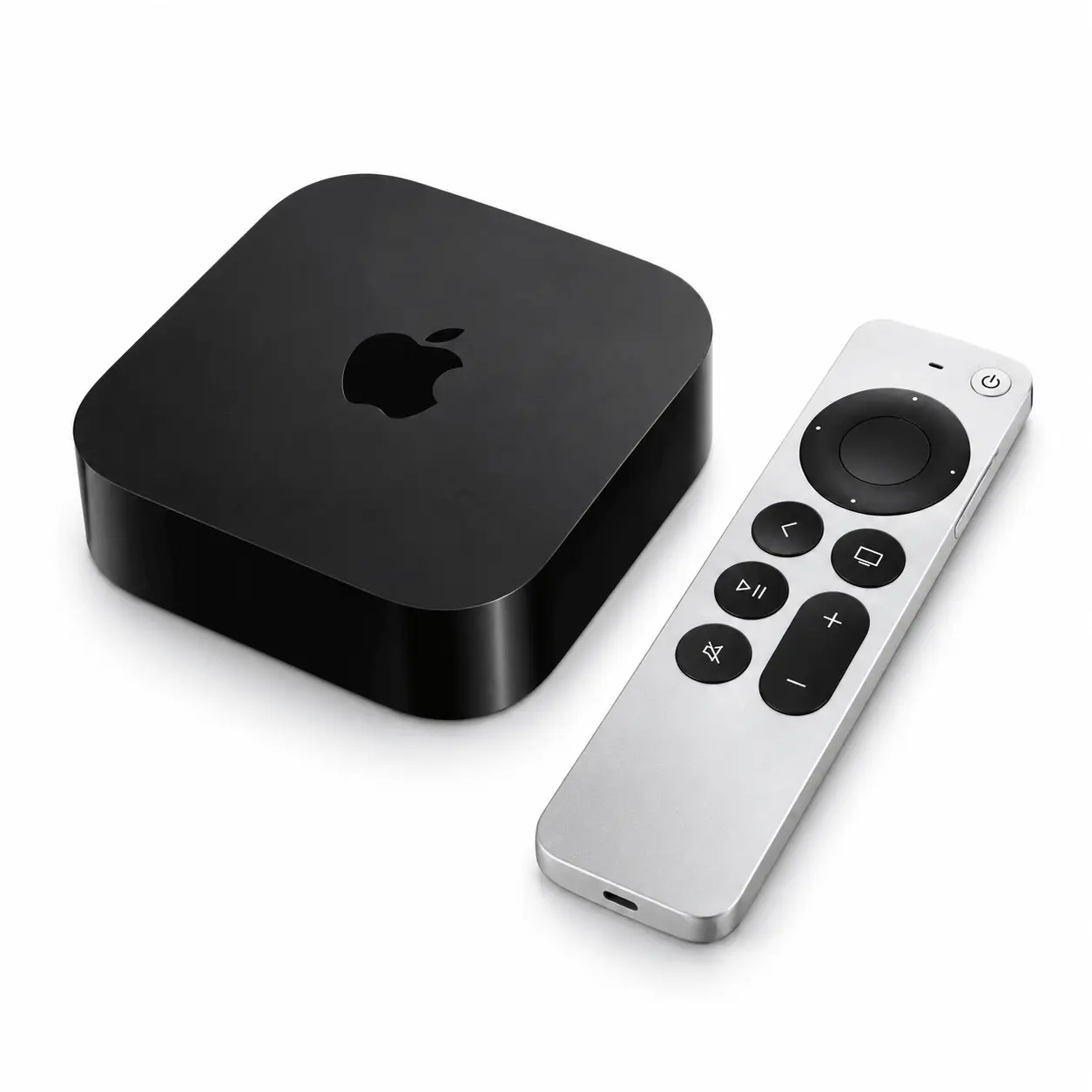
Apple TV streaming device

Apple TV

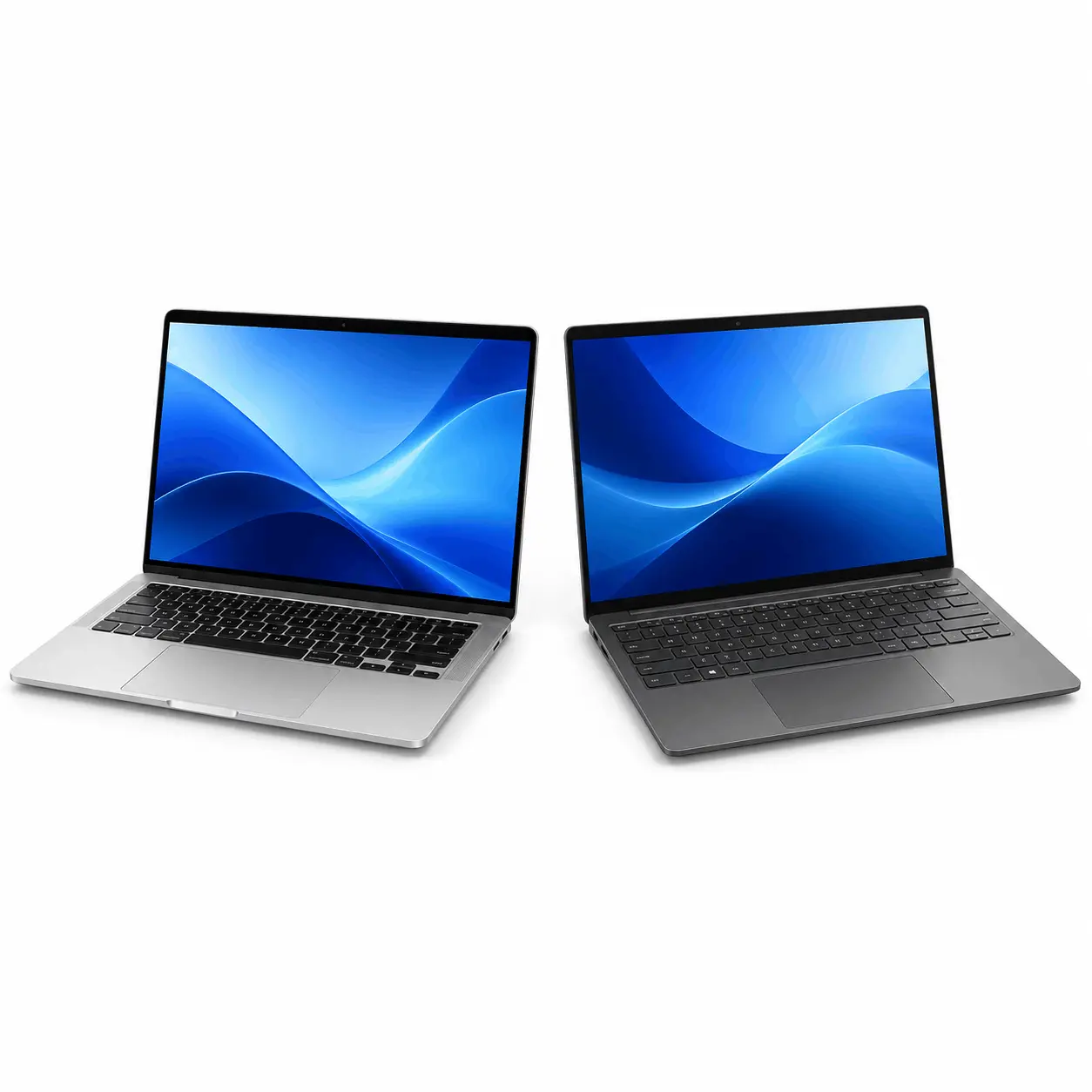
Computer for IPTV player setup

Mac & Windows

Get Device Setup Help

Player availability and setup steps depend on your device model and operating system.

From Your Plan to Your Screen

Get Started with Xtreme HD IPTV

Choose your package, confirm your order, and follow the setup instructions. Here is how to start your Xtreme HD IPTV subscription.

  1. Choose Your Plan

    Compare subscription durations and select your device count. Pick the package that suits how and where you want to watch.

  2. Complete Your Order

    Use the Order Now button for your selected plan. Confirm your package with our team and receive the payment instructions.

  3. Set Up & Watch

    Once your order is confirmed, receive your subscription details and follow the instructions to set up your compatible IPTV player.

Choose Your Plan

Need help before ordering? Talk to our team

Questions, setup & support

Need help? Xtreme HD IPTV Support is here for you

Have a question before ordering or need help with an existing subscription? Contact Xtreme HD IPTV support for plan enquiries, application setup, renewals and playback troubleshooting.

Get answers before ordering

Ask about subscription duration, simultaneous connections and player requirements. Our team can clarify the plan details before you place your order.

Get help with setup and playback

Share your device model, application name and any error message with Xtreme HD IPTV support. These details help our team understand your setup or playback issue.

Ask about your order or renewal

For order updates or subscription renewal enquiries, include your order reference and checkout email. Please keep passwords and payment card details private.

Smart TV, laptop, tablet, smartphone and streaming box with blue screens on a white background
Contact our team for subscription questions, setup help and renewal enquiries.
Your questions, answered

What to know about Xtreme HD IPTV

Find answers about subscription plans, device setup, connections and support before placing your order.

What is IPTV and how does it work?

IPTV stands for Internet Protocol Television. It delivers television content over an internet connection, using a compatible application or player on a TV, streaming device, phone, tablet or computer. Available content and features depend on the service and subscription.

How do I choose an Xtreme HD IPTV subscription?

Compare the subscription duration, price and number of simultaneous connections in the Xtreme HD IPTV plans section. Choose a plan that matches your viewing needs. If a plan detail is unclear, contact our team before ordering.

Which devices can I use with Xtreme HD IPTV?

Setup options include Smart TVs, Fire TV Stick, Android TV, iPhone, iPad, Apple TV, Mac and Windows computers. Compatibility depends on your device model, operating system and the IPTV player available for it. Share your device details with our team to confirm the setup requirements.

How many devices can I watch on at the same time?

The number of simultaneous streams depends on the connection allowance included in your subscription. Installing a player on several devices does not automatically allow concurrent viewing on all of them. Check your selected plan’s connection limit before ordering.

What do I need to set up my subscription?

You need a compatible device, a stable internet connection, a suitable IPTV player and the access details supplied for your subscription. Follow the instructions for your specific device and application. Some players may require a separate licence; confirm this before choosing an app.

When will I receive my subscription access details?

Access details are provided after your order and payment have been confirmed. For an update on your order, contact our team with your order reference and the email address used at checkout.

What should I do if playback buffers or stops?

Check your internet connection, restart your device and player, and make sure you are within your subscription’s connection limit. If the issue continues, send support your device model, app name, any error message and whether the problem affects one stream or several.

How can I contact Xtreme HD IPTV support?

Contact Xtreme HD IPTV through WhatsApp or email [email protected]. Include your question and order reference, if available, so our team can understand your request.

Still have a question before ordering?

Talk to our team